

Choose how shoppers sign in to your shop
Updated 20 October 2026 · OwnersChoose how shoppers create an account and sign in on your shop: with an email and password, with their mobile number and a text code, or either. Guests can always check out without an account.
Where to find it
In the portal, open Settings and choose the Customer accounts tab. Only the store owner can open Settings.
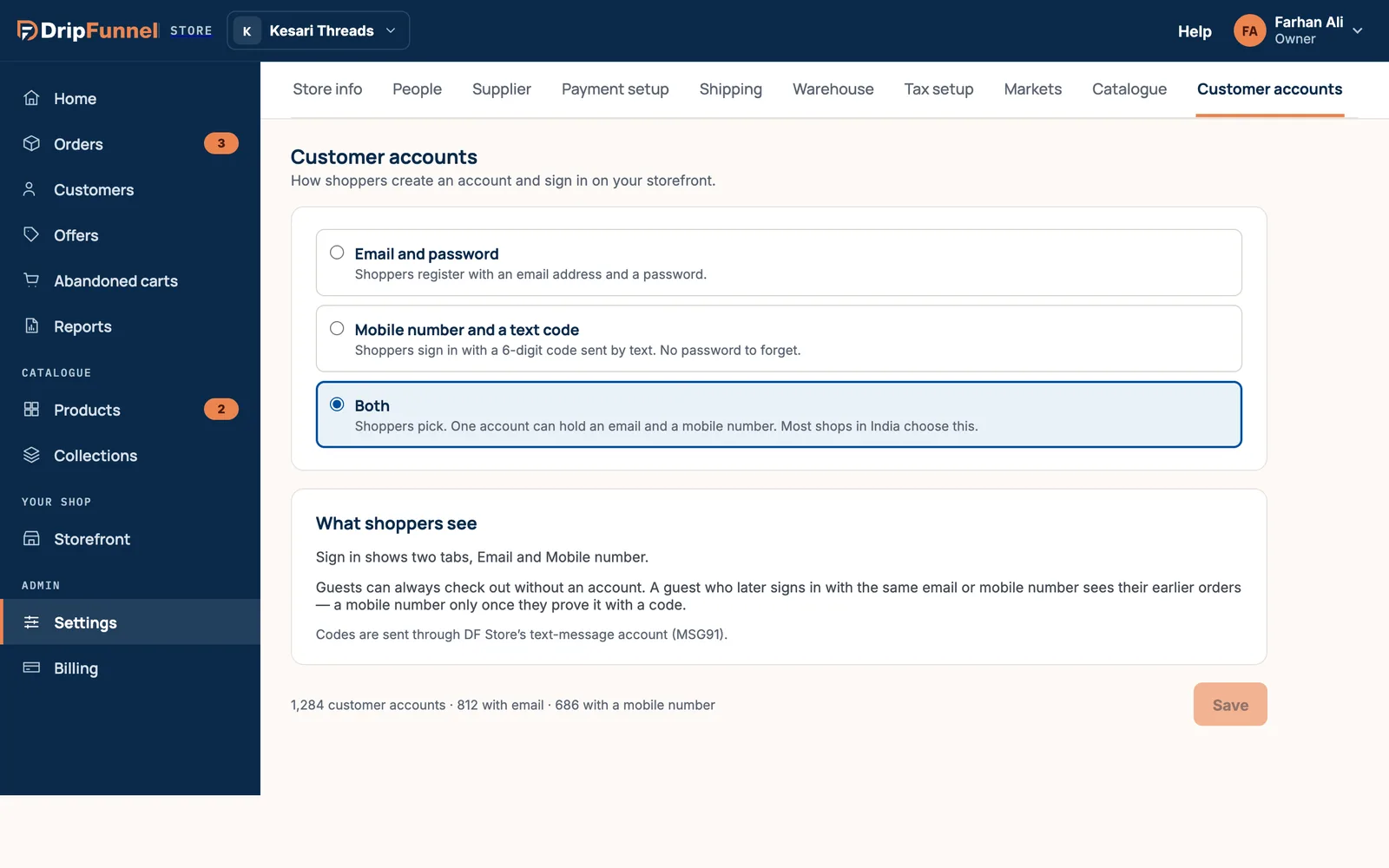
The three options
| Option | How it works | What shoppers see |
|---|---|---|
| Email and password | Shoppers register with an email address and a password. | Sign in and Create account ask for an email and a password, with “Forgot password?”. |
| Mobile number and a text code | Shoppers sign in with a 6-digit code sent by text. No password to forget. | Sign in asks for a mobile number, then a code. New shoppers sign up the same way. |
| Both | Shoppers pick. One account can hold an email and a mobile number. | Sign in shows two tabs, Email and Mobile number. |
In India, most shops choose Both, because many shoppers prefer a text code to a password.
Change it
- Choose an option.
- Read What shoppers see to check it’s what you want.
- Press Save. Your shop’s sign-in follows it from then on.
If you switch to email only, customers who signed up with just a mobile number keep their accounts and orders, but can’t sign in until you allow mobile sign-in again. The portal tells you how many customers this affects before you save.
Guests and earlier orders
Shoppers never have to make an account: guests can always check out. A guest who later signs in with the same email or mobile number sees their earlier orders. With a mobile number, that happens only once they prove it’s theirs with a code.
Some offers need shoppers to be signed in, for example first-order-only codes and offers for customer groups, so the shop knows who they are. See Create a discount or offer.
Questions
Who pays for the text messages?
Sign-in codes are sent through your platform’s text-message account. You don’t need to set up a texting service yourself.
Can shoppers buy without an account?
Yes. Guest checkout is always on.
Can a customer have both an email and a mobile number on one account?
Yes, when you choose Both. One account can hold an email and a mobile number.